Restaurant EPOS for staff orders, table ordering, equal bill splitting and digital receipts.
1 / 16
01 / 07
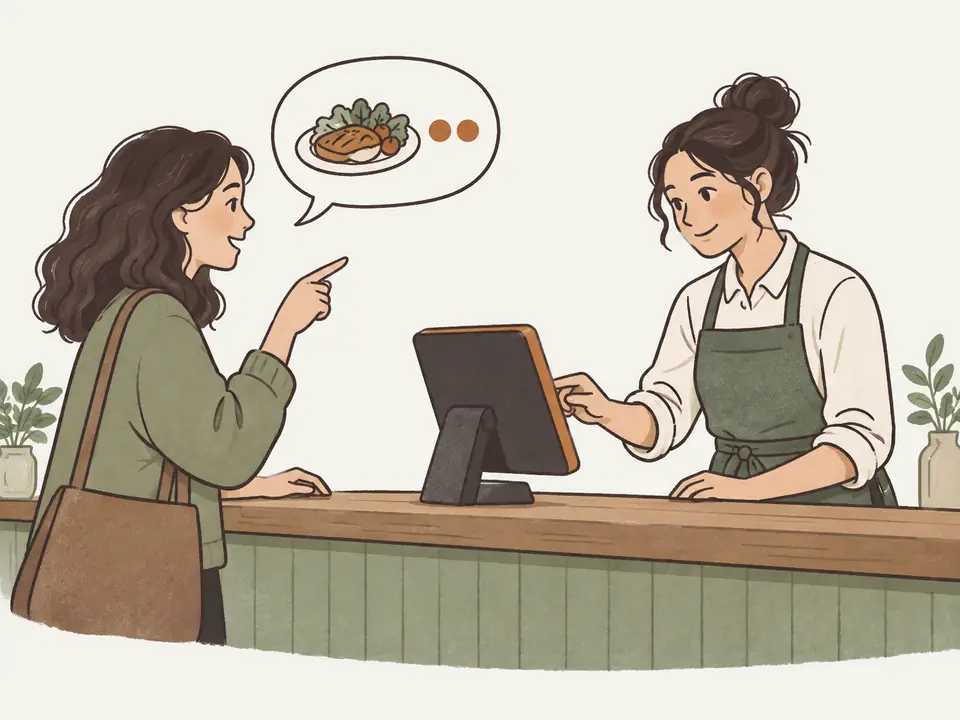
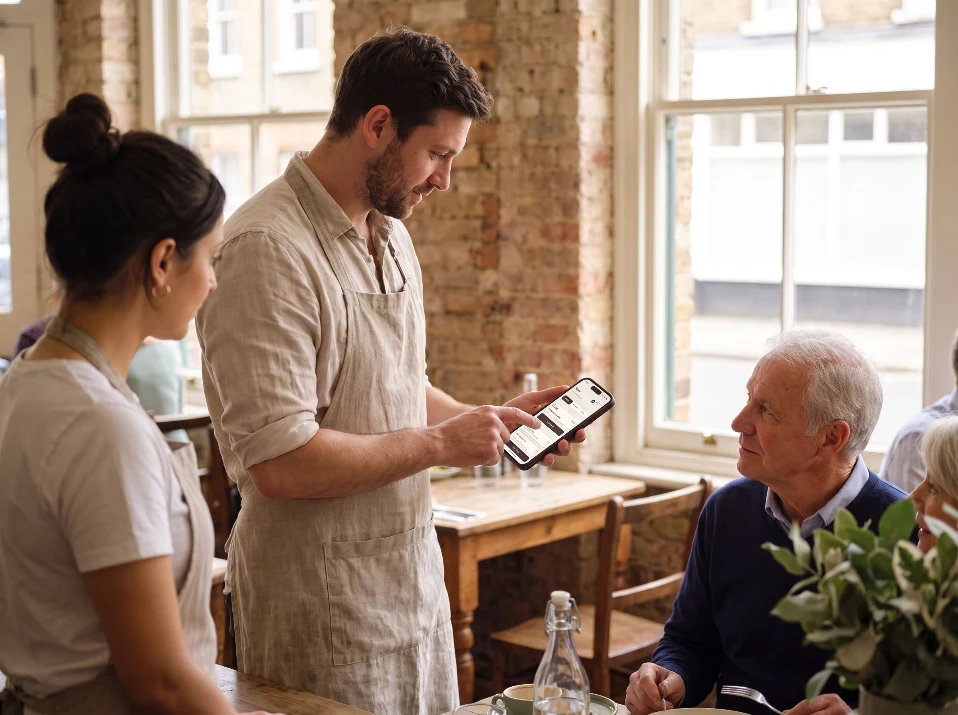
EPOS: counter and handheld ordering
Enter counter and handheld orders for a table, the counter or takeaway, and send them straight to the kitchen. Set currency by location.
02 / 07
Bills, split bills and running tabs
Itemise bills, apply discounts, split totals equally or by seat and keep shared tabs guests can join. Issue numbered or digital receipts.
03 / 07
Order and pay at the table (QR)
Guests scan, order, pay and follow progress on their phones.
Includes
✓Suggest extras; add ordering links to listings or phone home screens.
✓Connect to your restaurant software to browse the menu and place orders.
04 / 07
Order collection screens
Show guests collection numbers and order progress alongside your promotions.
From the kitchen pass to the guest’s phone
KITCHEN PASS
FIRED · 1
A-082COLLECT4:00
COOKING · 1
A-081T-77:00
READY · 0
—
Order status#82
Sent to kitchen
Preparing
Ready
Show collection progress on your screens
Follow the order from kitchen to collection. Your developer or RestaKit can tailor a collection display and promotional content for your screens.
Order from a tablet at the table
Your order · T-14
Tap a dish to start an order.
Total£0.00
Self-service for your restaurant
Guests can order from a phone or tablet. A standalone counter kiosk with a card terminal is configured for your equipment.
Plan orders ahead of collection
Collection setup
Slot length (minutes)
15
Orders per slot
2
Notice (minutes)
30
0 orders per slot means no capacity limit.
SAMPLE TIME · 18:04
Choose your order
Preparation time: 45 minutes
Available collection times
Catering and event workflows
Collection slots account for preparation time, notice and capacity. Your developer or RestaKit can tailor event bookings, deposits and production planning to your workflow.
05 / 07
Self-service kiosk ordering, Coming soon
Let guests place their own orders at a self-service station.
From the kitchen pass to the guest’s phone
KITCHEN PASS
FIRED · 1
A-082COLLECT4:00
COOKING · 1
A-081T-77:00
READY · 0
—
Order status#82
Sent to kitchen
Preparing
Ready
Show collection progress on your screens
Follow the order from kitchen to collection. Your developer or RestaKit can tailor a collection display and promotional content for your screens.
Order from a tablet at the table
Your order · T-14
Tap a dish to start an order.
Total£0.00
Self-service for your restaurant
Guests can order from a phone or tablet. A standalone counter kiosk with a card terminal is configured for your equipment.
Plan orders ahead of collection
Collection setup
Slot length (minutes)
15
Orders per slot
2
Notice (minutes)
30
0 orders per slot means no capacity limit.
SAMPLE TIME · 18:04
Choose your order
Preparation time: 45 minutes
Available collection times
Catering and event workflows
Collection slots account for preparation time, notice and capacity. Your developer or RestaKit can tailor event bookings, deposits and production planning to your workflow.
06 / 07
Catering and event orders, Coming soon
Take event orders in advance and plan their preparation and fulfilment.
From the kitchen pass to the guest’s phone
KITCHEN PASS
FIRED · 1
A-082COLLECT4:00
COOKING · 1
A-081T-77:00
READY · 0
—
Order status#82
Sent to kitchen
Preparing
Ready
Show collection progress on your screens
Follow the order from kitchen to collection. Your developer or RestaKit can tailor a collection display and promotional content for your screens.
Order from a tablet at the table
Your order · T-14
Tap a dish to start an order.
Total£0.00
Self-service for your restaurant
Guests can order from a phone or tablet. A standalone counter kiosk with a card terminal is configured for your equipment.
Plan orders ahead of collection
Collection setup
Slot length (minutes)
15
Orders per slot
2
Notice (minutes)
30
0 orders per slot means no capacity limit.
SAMPLE TIME · 18:04
Choose your order
Preparation time: 45 minutes
Available collection times
Catering and event workflows
Collection slots account for preparation time, notice and capacity. Your developer or RestaKit can tailor event bookings, deposits and production planning to your workflow.
07 / 07
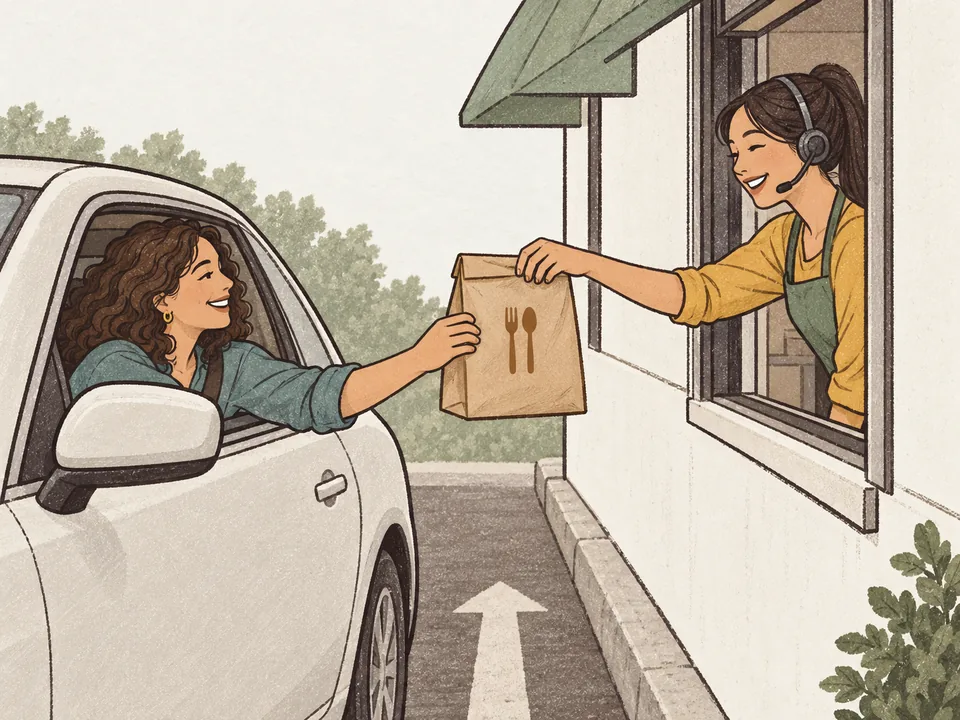
Drive-through orders, Coming soon
Capture drive-through orders and track them through service.
Drive-through as a named takeaway
0 items£0.00
KITCHEN PASS
FIRED · 1
A-082COLLECT4:00
COOKING · 1
A-081T-77:00
READY · 0
—
Window order#82
Sent to kitchen
Preparing
Ready
Connect your drive-through equipment
Use a named takeaway order through the kitchen. Connect lane screens, speaker posts and car detection.
Order from a tablet at the table
Your order · T-14
Tap a dish to start an order.
Total£0.00
Self-service for your restaurant
Guests can order from a phone or tablet. A standalone counter kiosk with a card terminal is configured for your equipment.
Plan orders ahead of collection
Collection setup
Slot length (minutes)
15
Orders per slot
2
Notice (minutes)
30
0 orders per slot means no capacity limit.
SAMPLE TIME · 18:04
Choose your order
Preparation time: 45 minutes
Available collection times
Catering and event workflows
Collection slots account for preparation time, notice and capacity. Your developer or RestaKit can tailor event bookings, deposits and production planning to your workflow.