From the first order to closing time.
Follow orders through the kitchen, billing and reports in RestaKit.
Follow an order through the shift
1. Take the order
Staff record dishes and choices at the table or counter, ready for the kitchen.
2. Prepare each ticket
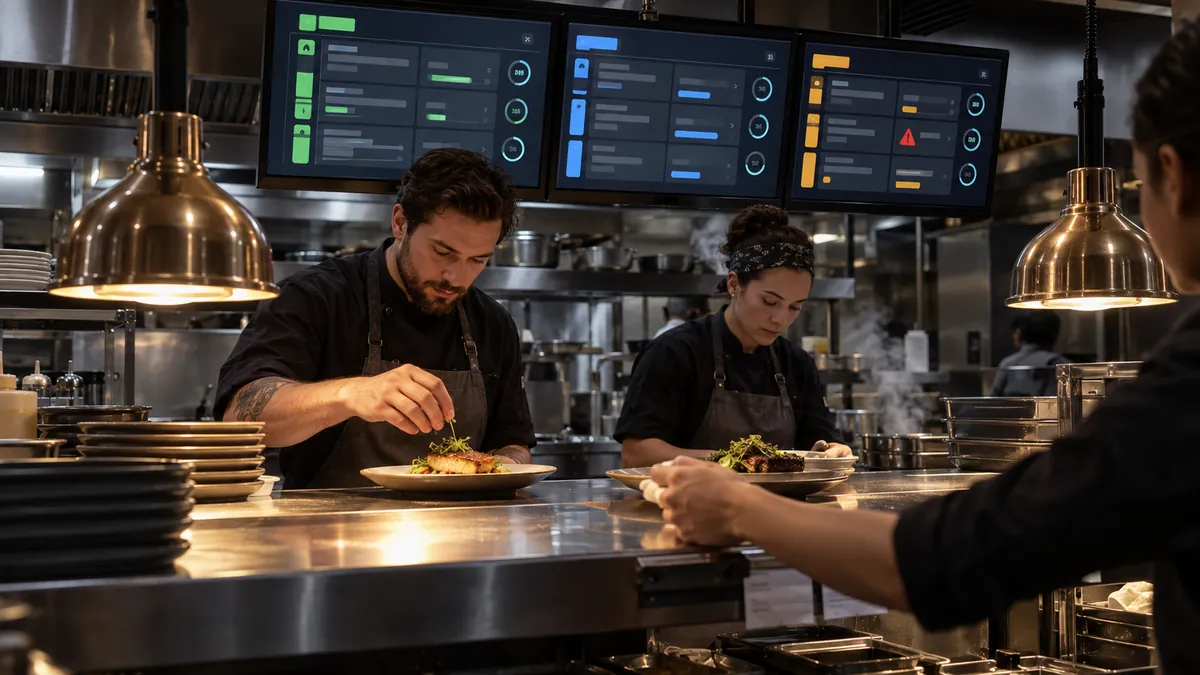
Each kitchen station sees the items it needs to prepare. Timers show waiting time. The kitchen pass shows the whole table order.
3. Settle the bill
Keep a tab, issue an itemized bill or split the total equally. Record cash and payments taken elsewhere. Recording a payment does not connect or control the card terminal.
4. Review the shift
Review sales, refunds and open orders. Check dishes, staff, stock and kitchen timing by location and period, and export figures to CSV.
RestaKit in service
Illustrations, not customer installations.

Orders on a handheld
Check table orders on a handheld as staff move between tables and the kitchen.
Explore ordering tools ›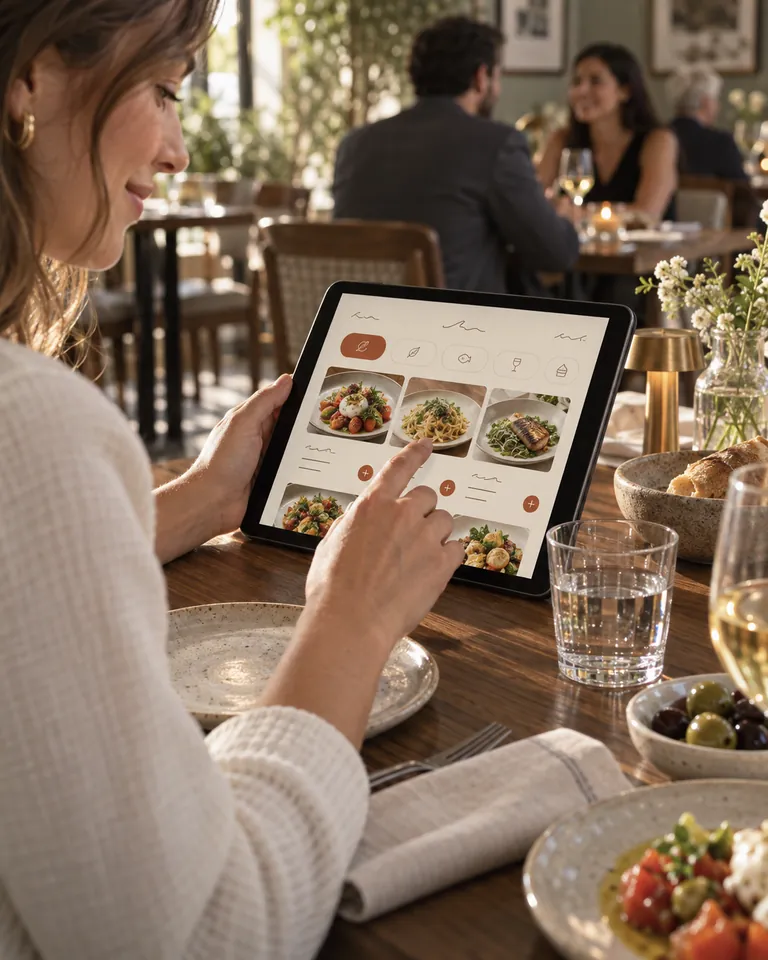
Menu details
Guests see dish descriptions and recorded allergens. Staff still handle allergy questions.

Equal shares
Guests split the total equally and pay from separate phones.
Preparation notes
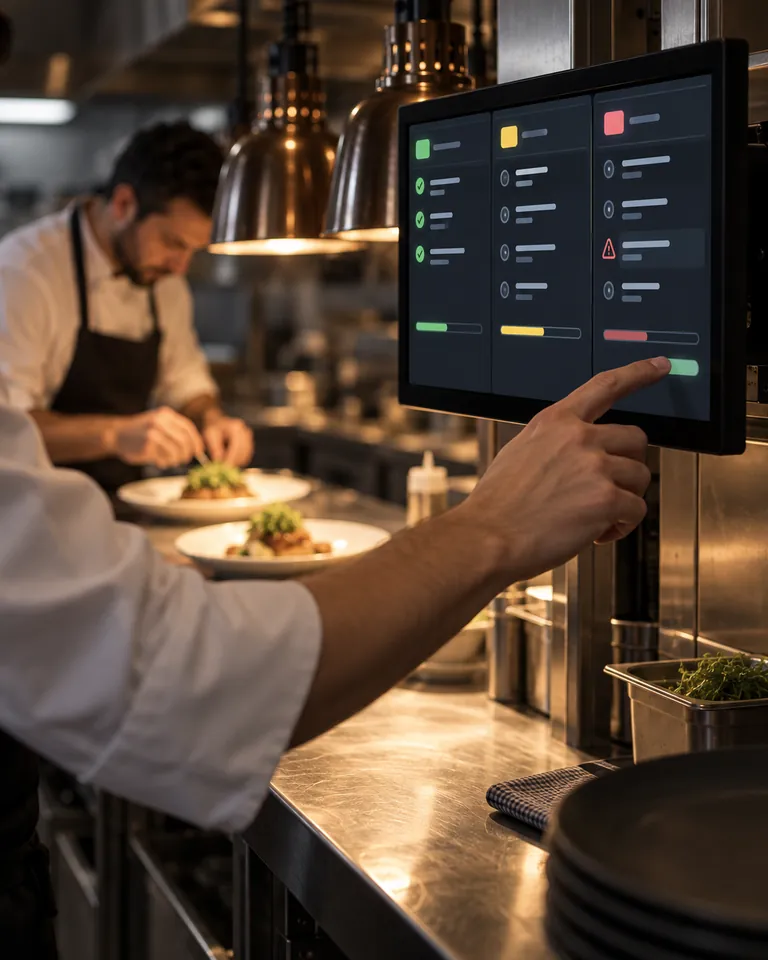
Keep notes and recorded allergens beside the kitchen ticket.
Another round
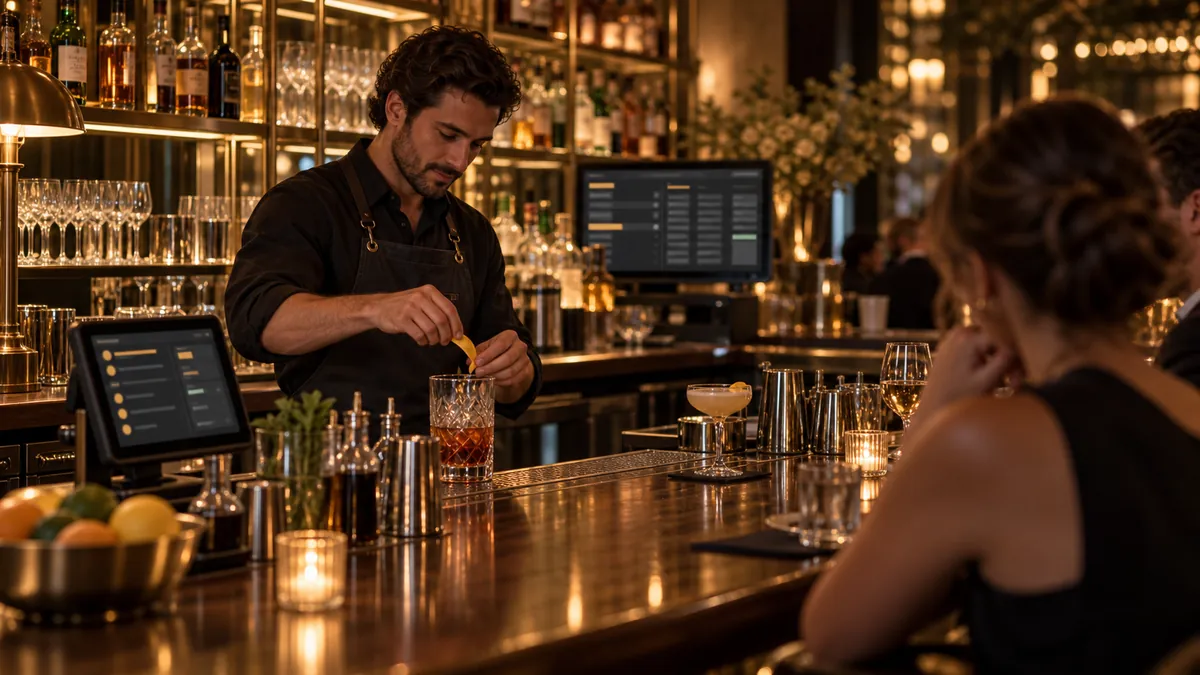
Add orders to a running tab guests can rejoin.

Counter choices
Enter sizes and priced extras with the order.

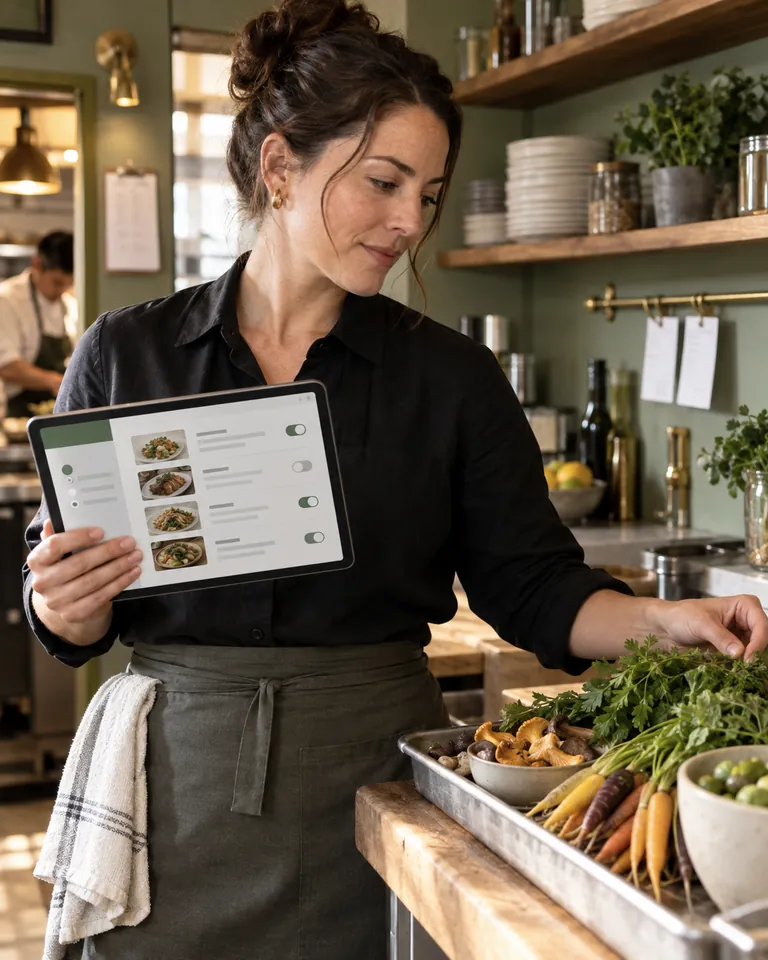
Next service
Update dishes, prices and choices in the back office.

Order handoff
Check details and kitchen progress when coordinating service.

Table QR
Guests scan to order and pay from their phones.
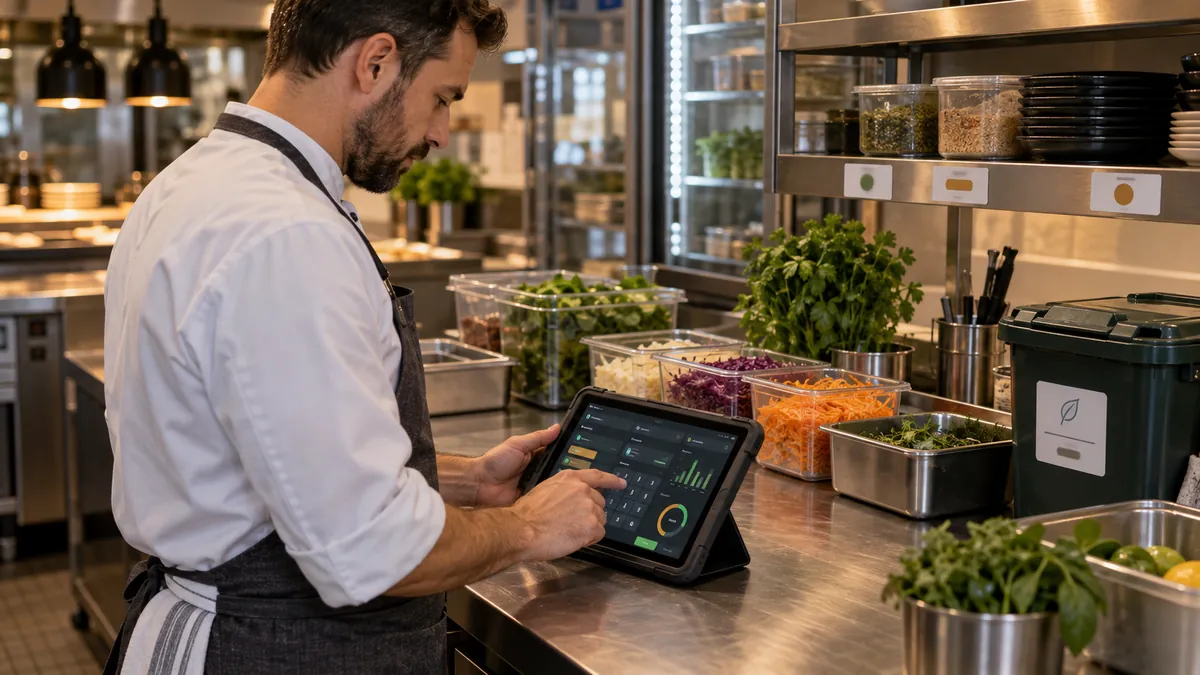
Stock receiving
Photograph delivery notes; check draft entries against goods received.
Explore stock tools ›Need a different report?
Example project: show voids by staff member in each location’s closing report. Check recorded data and permissions, then build and test the change.
Plan your setup
Tell us what you need
Tell us about your service, locations and the connections you need in the application form.