RestaKit for your restaurant
Full-service restaurants
Connect table service and kitchen
Take orders, follow guest requests and settle bills in software you can adapt.
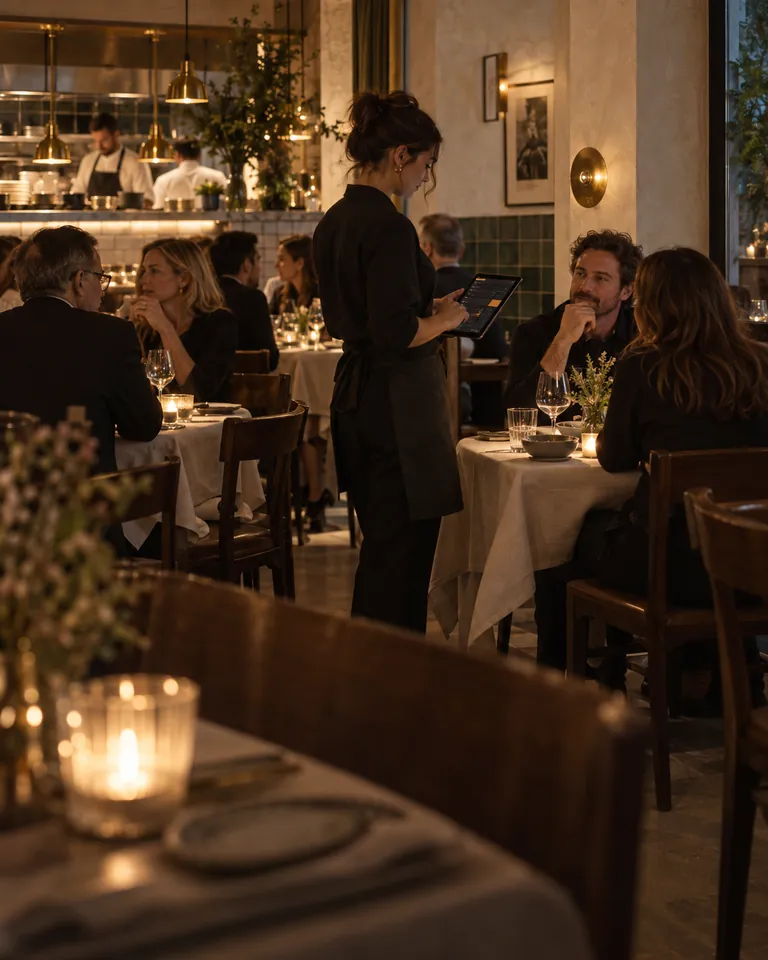
Follow each table
- View seats, orders and requests. Transfer orders between tables. Your developer or RestaKit can add reservation workflows through custom development.

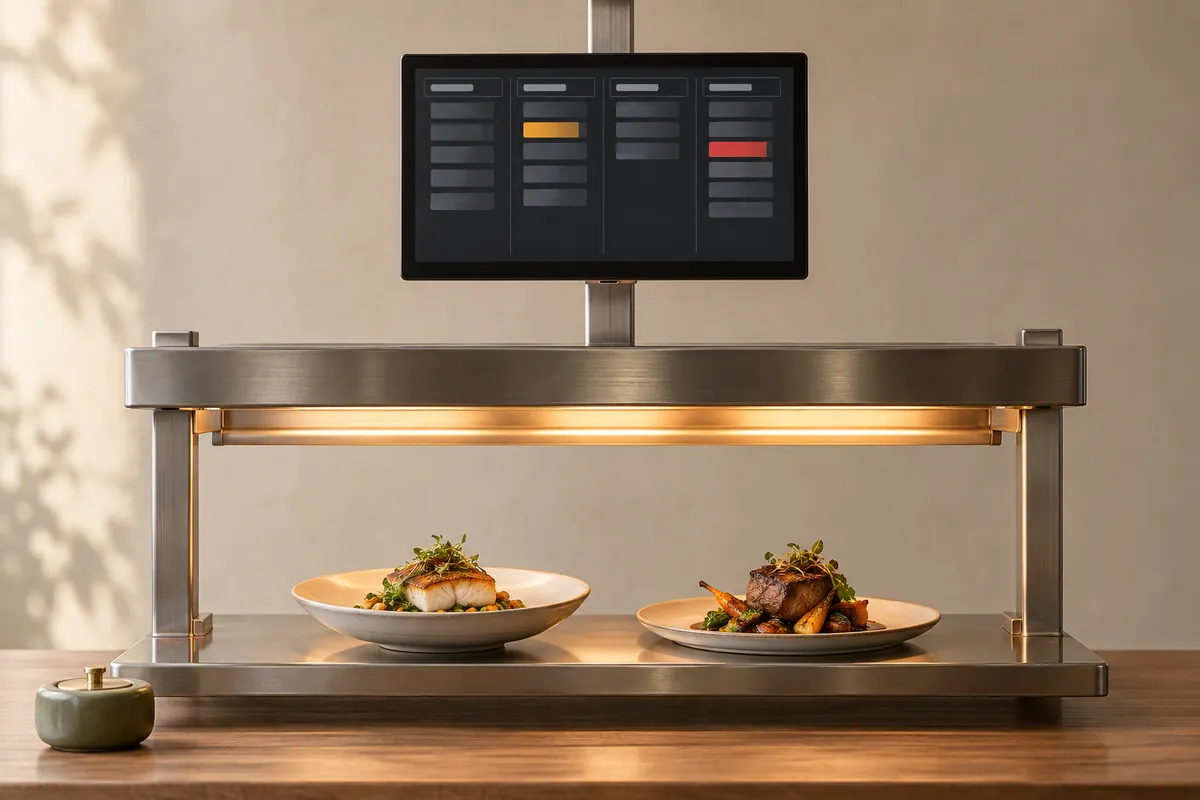
Coordinate the kitchen
- Send tickets to kitchen stations. See ticket age, notes and recorded allergens, with the whole table order at the kitchen pass.
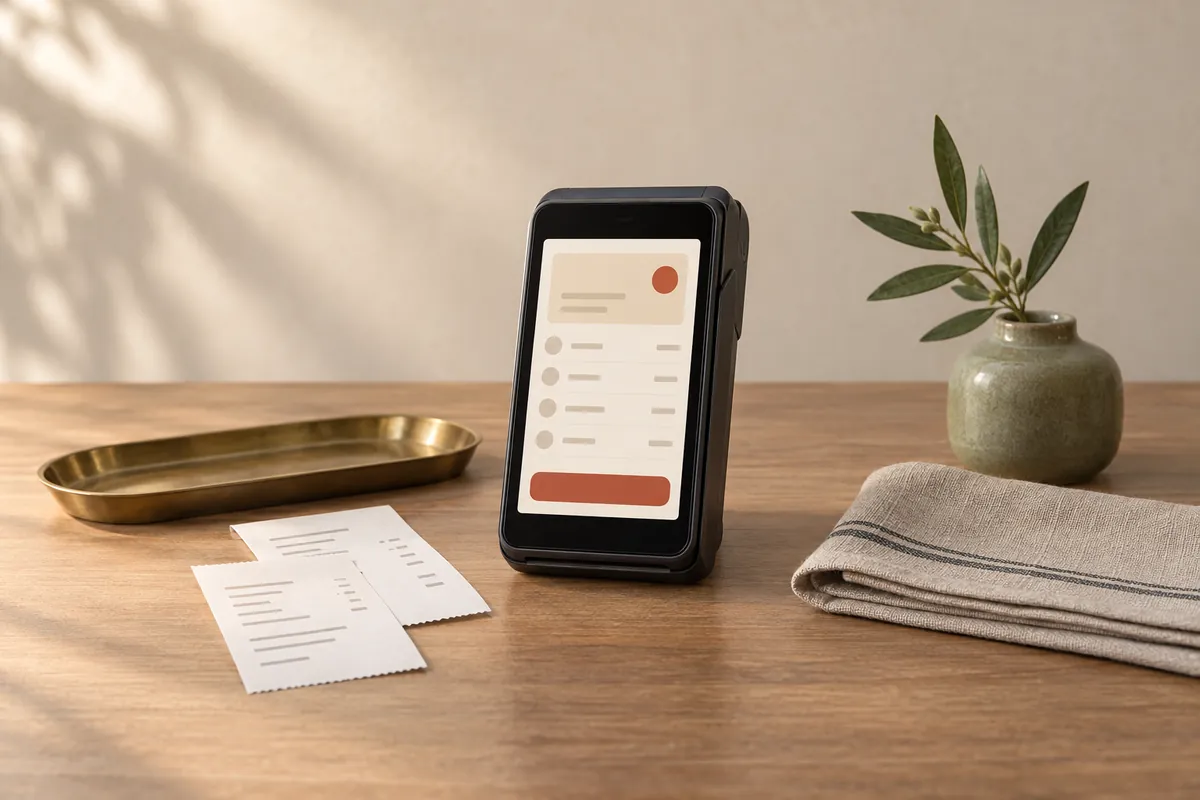
Settle the bill
- Itemize bills, apply discounts and service charges, record tips and accept supported phone payments.
Adapt the kitchen screen
Customization idea: Make recorded allergy information more prominent. Staff must still follow your allergy procedures.
Check existing settings, review the layout with cooks and test the order-to-kitchen flow.
Explore customization ›Table service questions
Who can order?
Staff on handhelds or guests through table QR codes.
Can guests pay separately?
Guests can split the total equally. Paying for selected items needs a separate technical assessment.
Can staff fire courses?
Your developer or RestaKit can adapt course holding and release to suit your service.
Cafés, bakeries and counter service
Keep counter and pickup orders organized
Capture customer choices and give the kitchen clear pickup times.

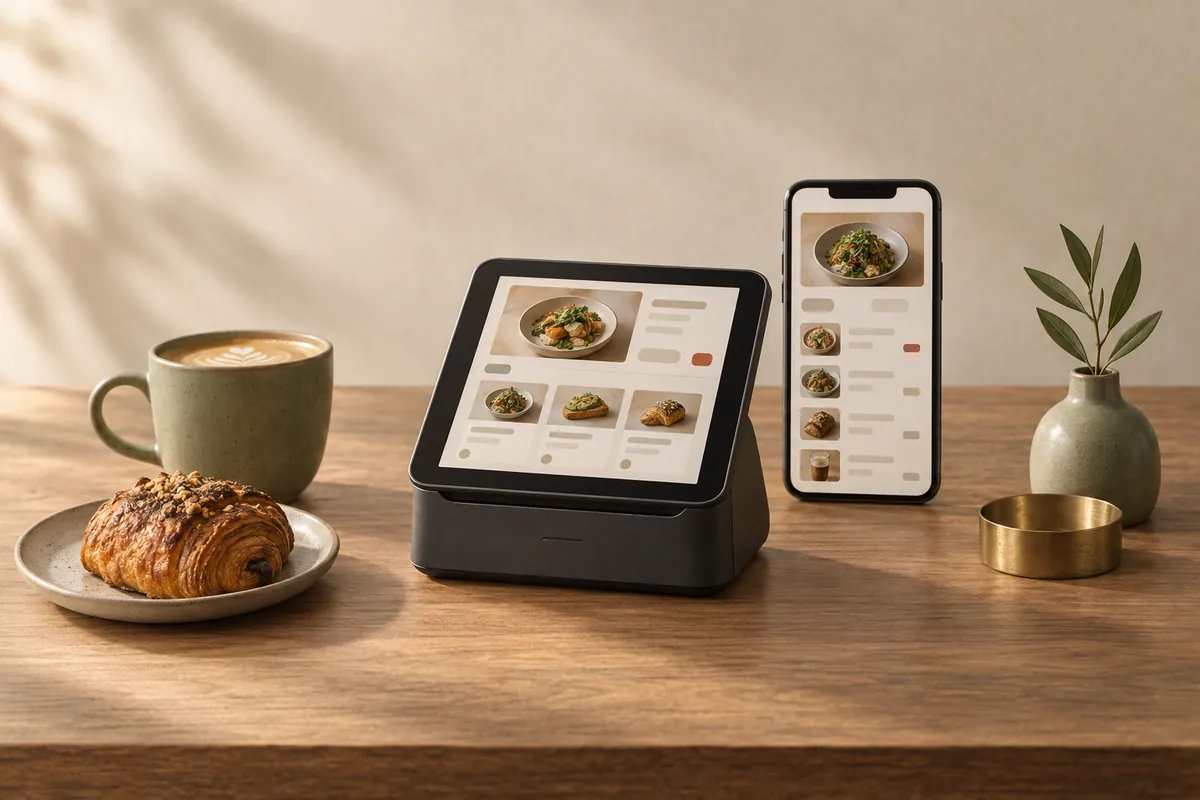
Take the order
- Price sizes and extras, hold orders and display totals. Take supported Stripe payments or record cash.
Prepare pickup orders
- Combine phone and online orders by pickup time. Seated guests can order and pay through table QR codes.
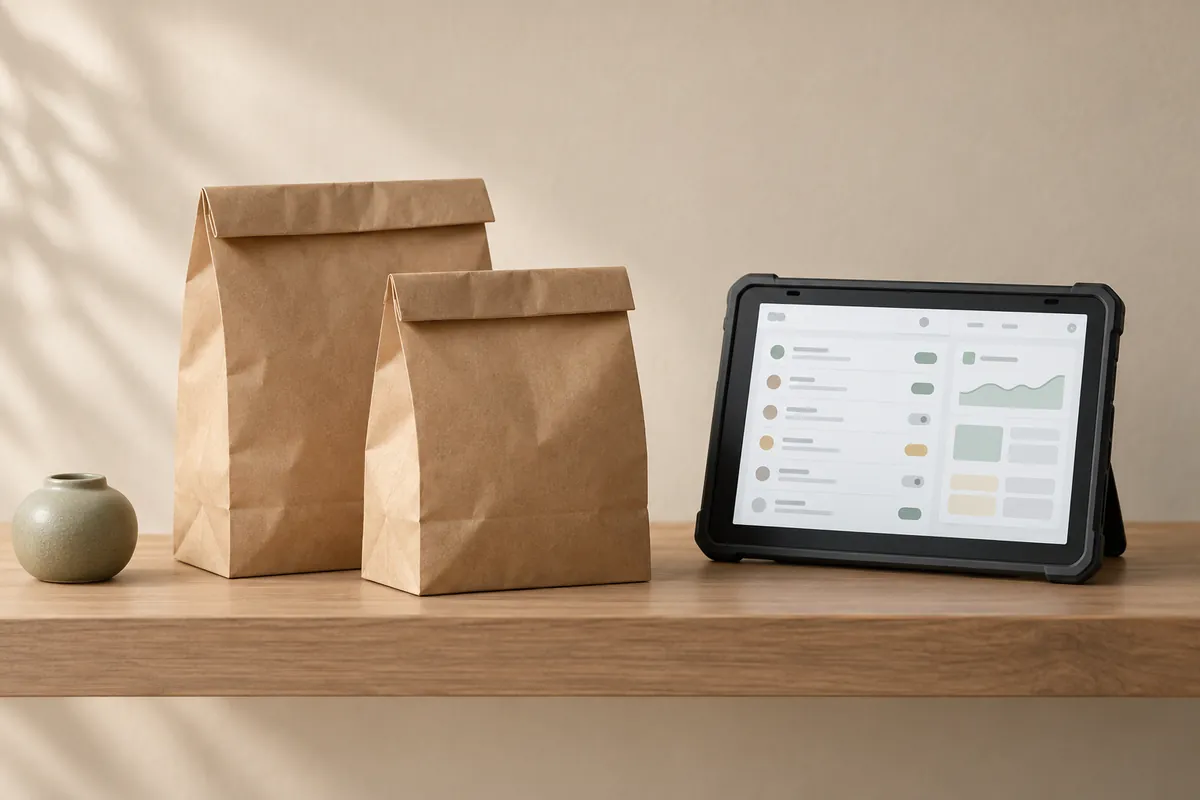
Menus and stock
- Set service-period menus and link availability to ingredients. Plan purchases using low-stock alerts, estimates of how long supplies will last and waste records.
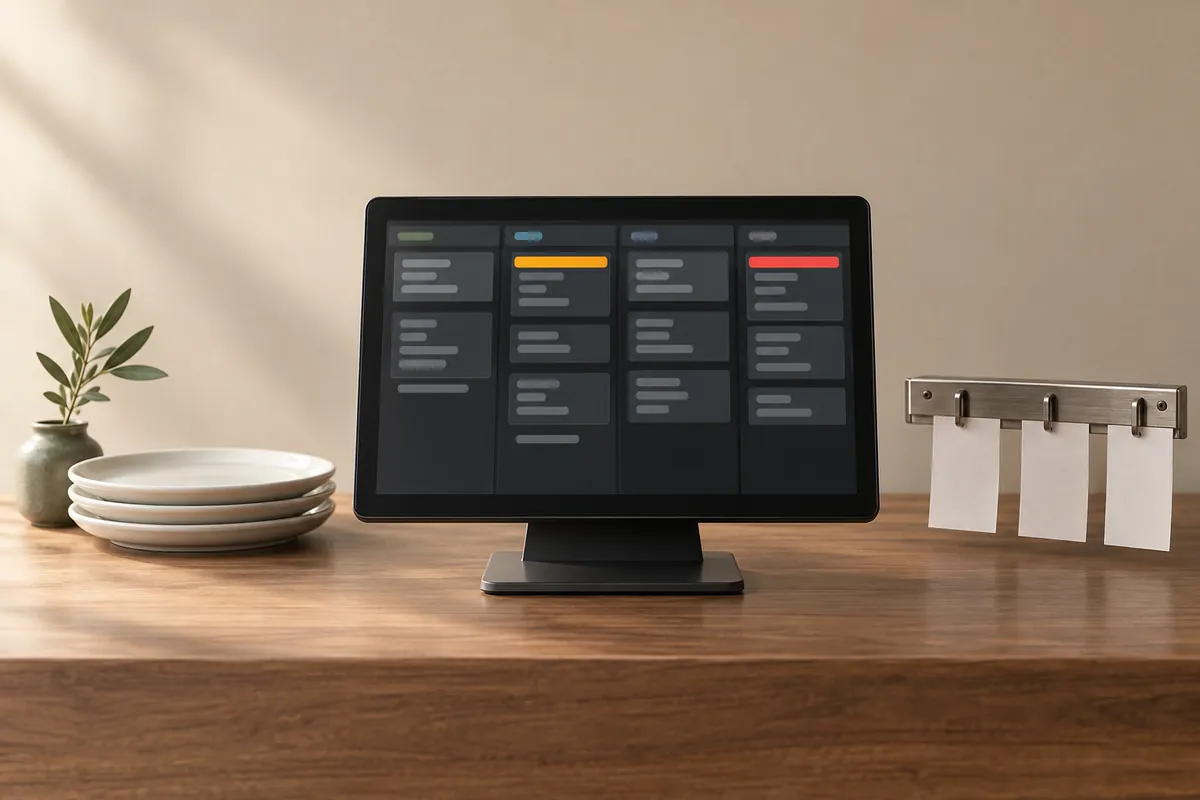
Keep favorites close
Customization idea: Put oat milk and extra shots first on the counter screen.
Check settings first; test any custom layout for correct prices and kitchen instructions.
Explore customization ›Café questions
Can extras have separate prices?
Yes. Sizes and extras can have separate prices.
Can guests pick up orders later?
Yes. Choose pickup slots, with tickets ordered by pickup time.
Is guest ordering an app?
It runs in a browser, with a home-screen shortcut.
Bars and pubs
From the next round to the final bill
Manage tabs, kitchen orders and payments together.
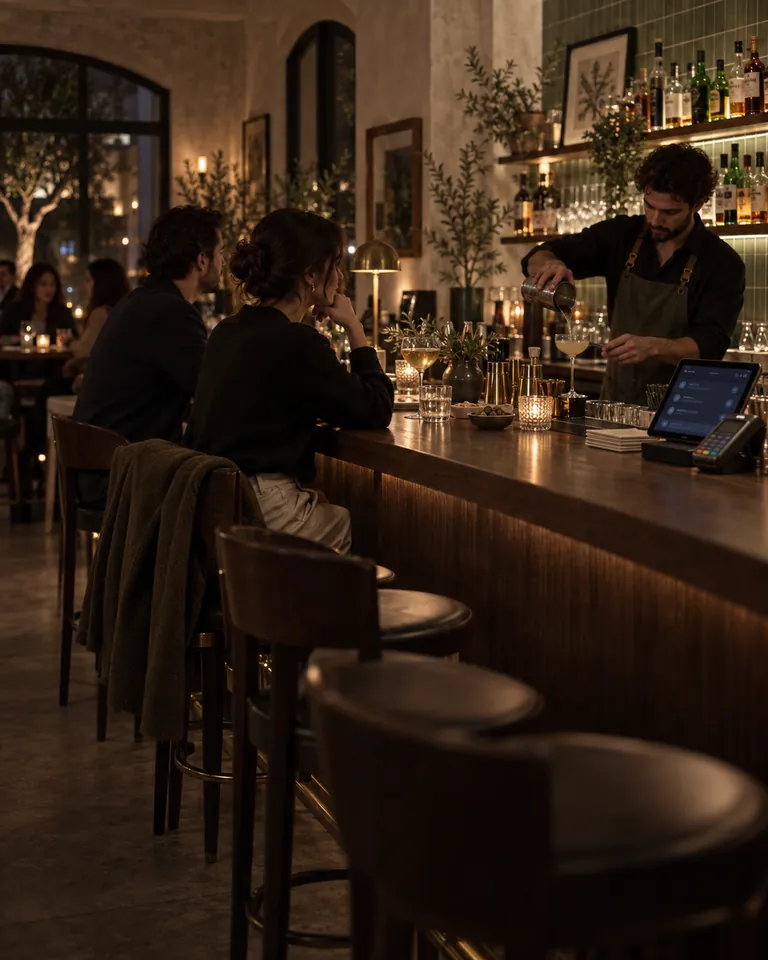
Keep the tab open
- Take bar, handheld or table QR orders. Guests can rejoin running tabs.
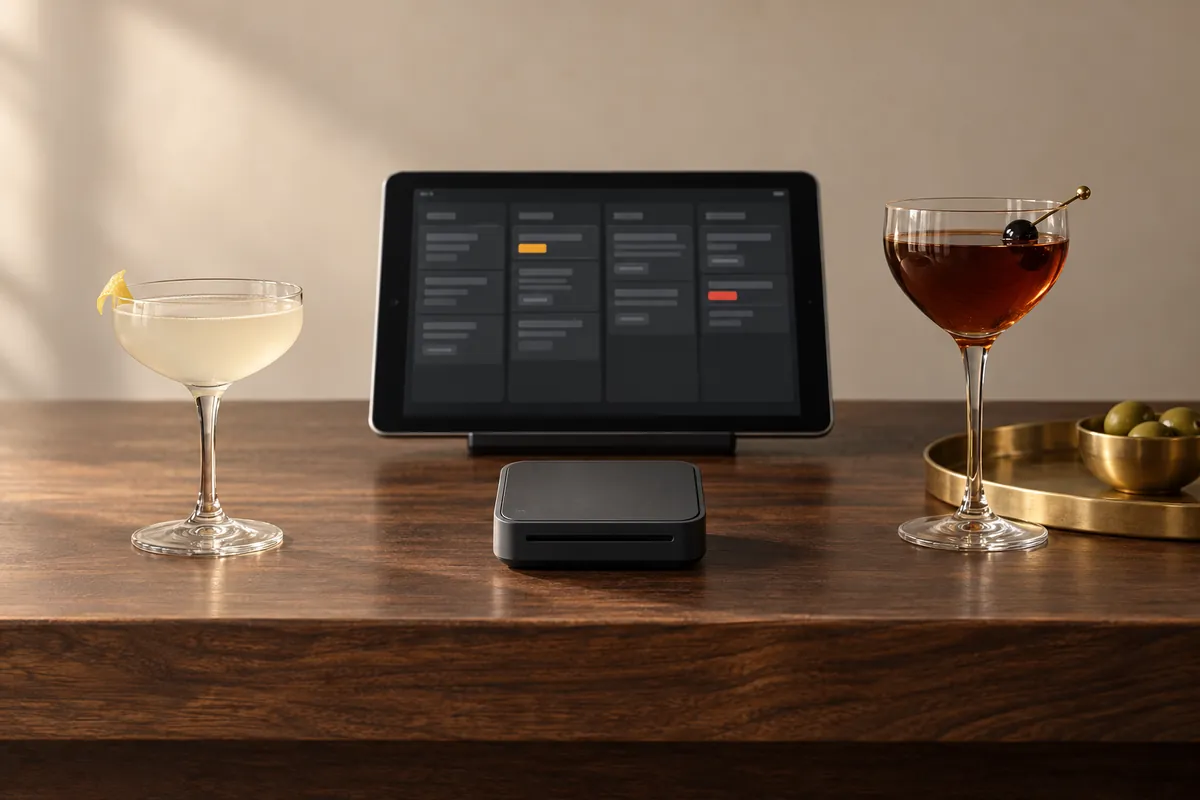
Coordinate food orders
- Send order lines and preparation details to kitchen stations.
Record payments
- Accept supported Stripe cards and wallets; record cash or external payments separately. Refunds require manager approval. Log sensitive actions and apply your tip-pooling policy.
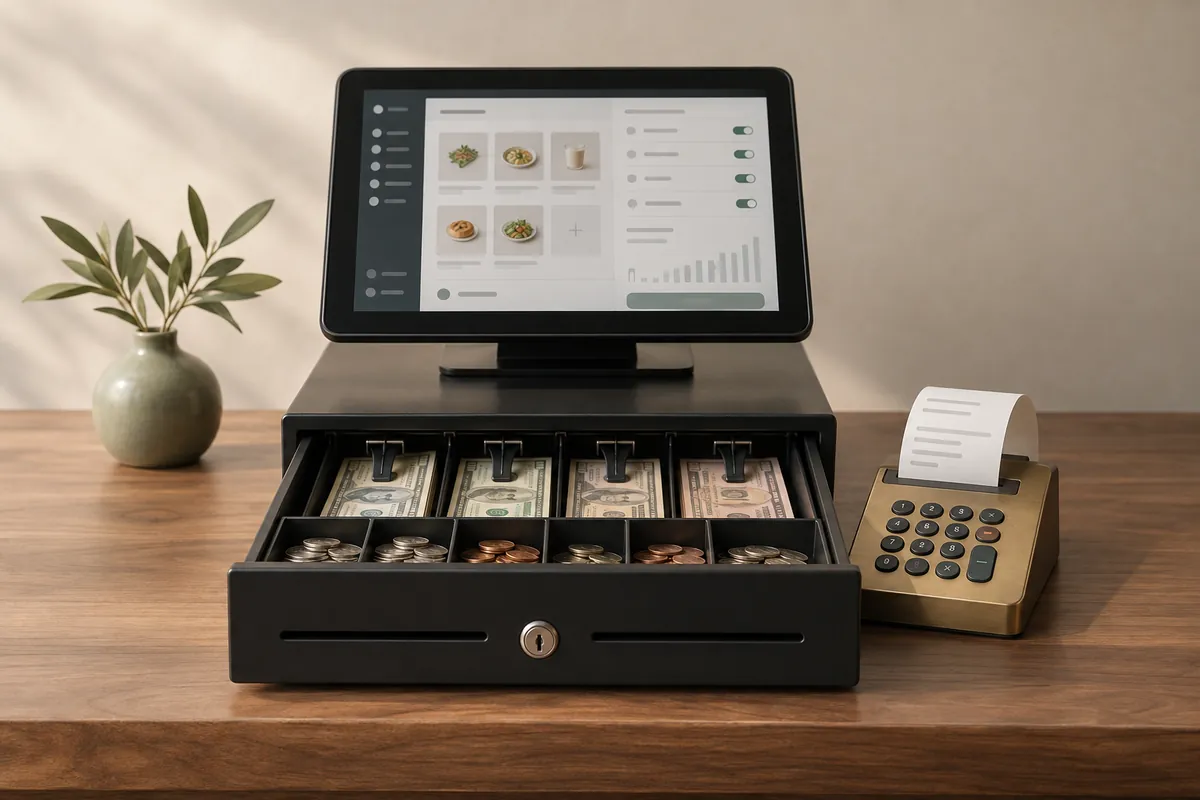
Review closing figures
- Review payments received, refunds and open orders. Compare stock counts and record waste costs.
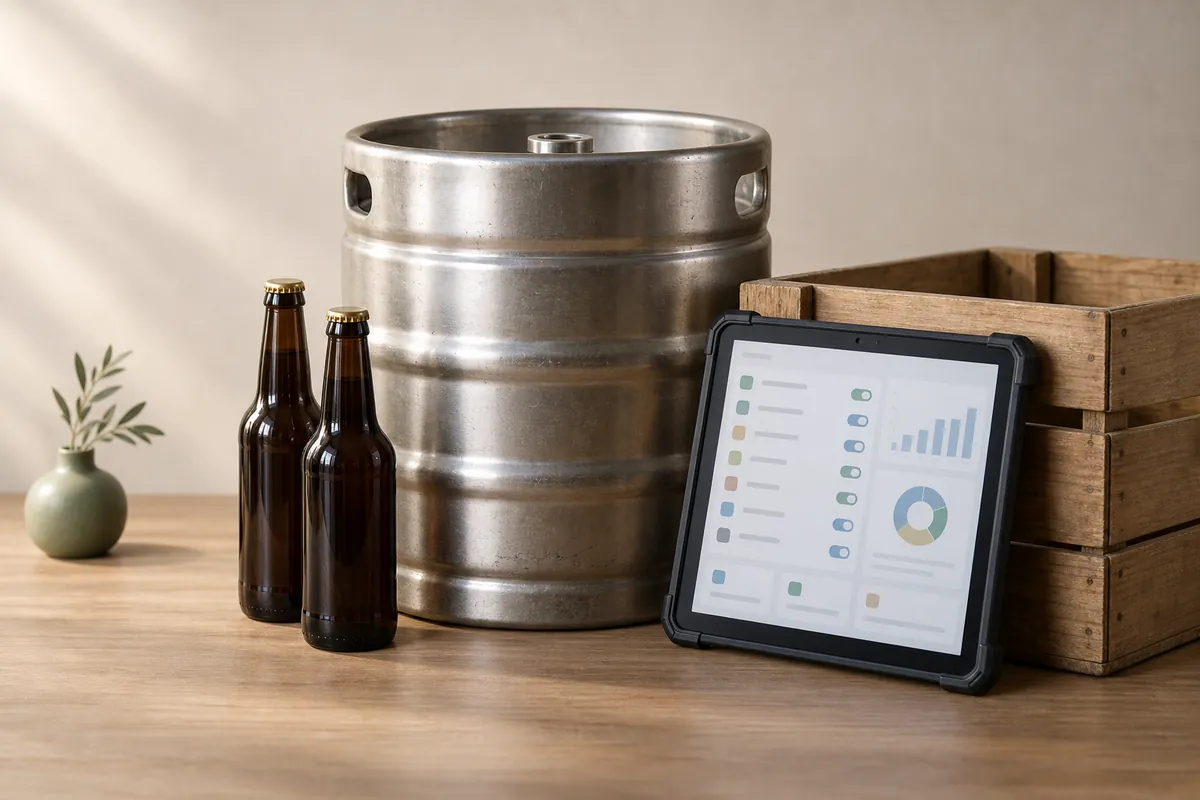
Adapt bill splitting
Customization idea: Let guests pay for selected drinks. Decide how shared and unpaid items should work.
Ask for a development quote. Test tabs, payments and refunds before using the change during service.
Explore customization ›Bar questions
Can guests rejoin a tab?
Yes.
Can guests pay for selected drinks?
Guests can split the total equally. Paying for selected items needs a separate technical assessment.
Does a tab reserve card funds?
Reserving funds on a guest’s card is separate from opening a tab. Check whether your payment setup supports it.
Tell us about your restaurant
$1,000 during beta: $300 to reserve your place, $700 when we deploy your software. Standard package: $3,660. Save $2,660. We refund the $300 if you cancel before we load your menu data. Setup of one shared menu across up to three locations is included. Different menus are quoted separately. Standard software price: $3,000. The license covers one company and up to 3 locations. See Pricing for included services and separate costs.