01 / 03
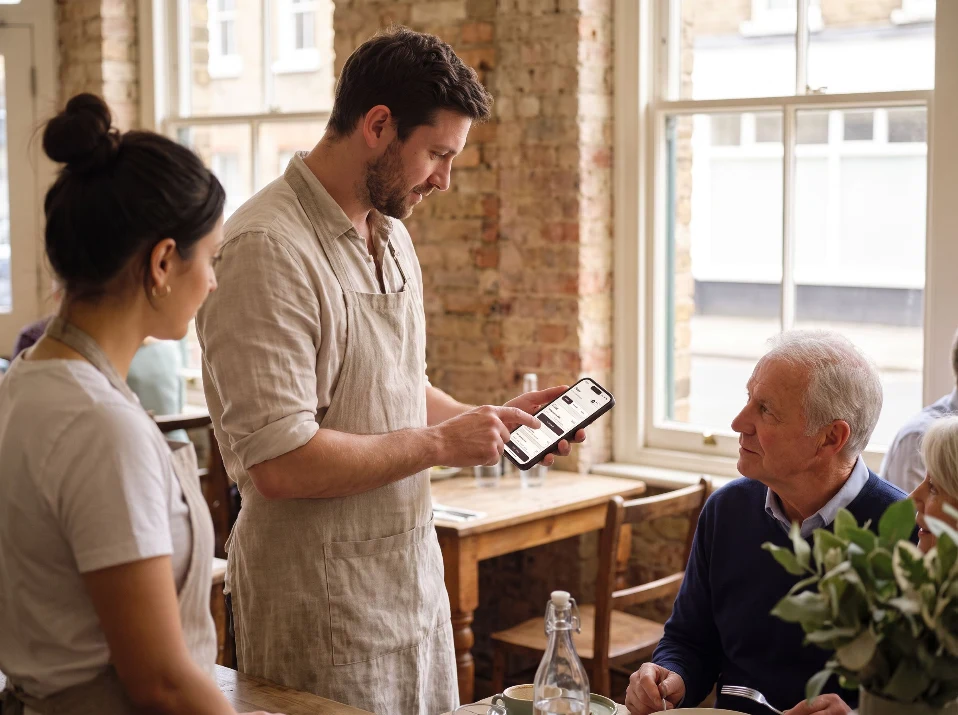
Counter and handheld ordering Enter, hold or cancel counter and handheld orders. Show customers items and totals; set currency by location.
What staff can do ✓ Enter, hold or cancel an order at the counter or on a handheld✓ Show the customer items and totals✓ Use the right currency at each locationGood to know Add sizes and extras, hold an order and return to it when the guest is ready.
Order #143 0 items
Tap a dish to start an order. Try holding it, then resume it from the menu side.
Total £0.00
Hold Cancel
Send to kitchen Try adding a dish with options, holding the order, resuming it and switching location.
02 / 03
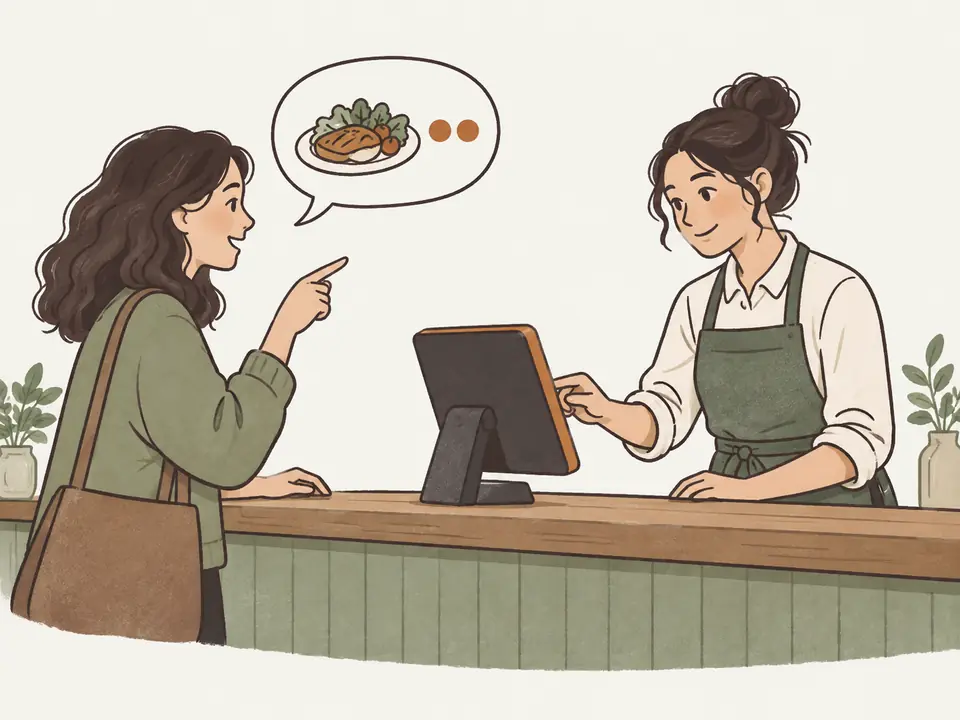
Bills, equal splitting and running tabs Itemize bills, record discounts and adjustments, split totals equally and keep tabs guests can rejoin. Issue numbered or digital receipts.
What staff and guests can do ✓ Itemize the bill and record discounts and adjustments✓ Split the total equally between guests✓ Keep a tab open that guests can rejoin✓ Issue a numbered or digital receiptGood to know Split the total equally. Ask us about any other payment workflow you need.
Try it Table 12 · bill Tab open
Split equally Next guest pays £30.50
Change the split or the bill until the first guest pays.
Record payment 1 of 3 · £30.50 0 of 3 paid · £91.50 left
Try a discount, add a guest to the tab, change the split and record each share.
03 / 03
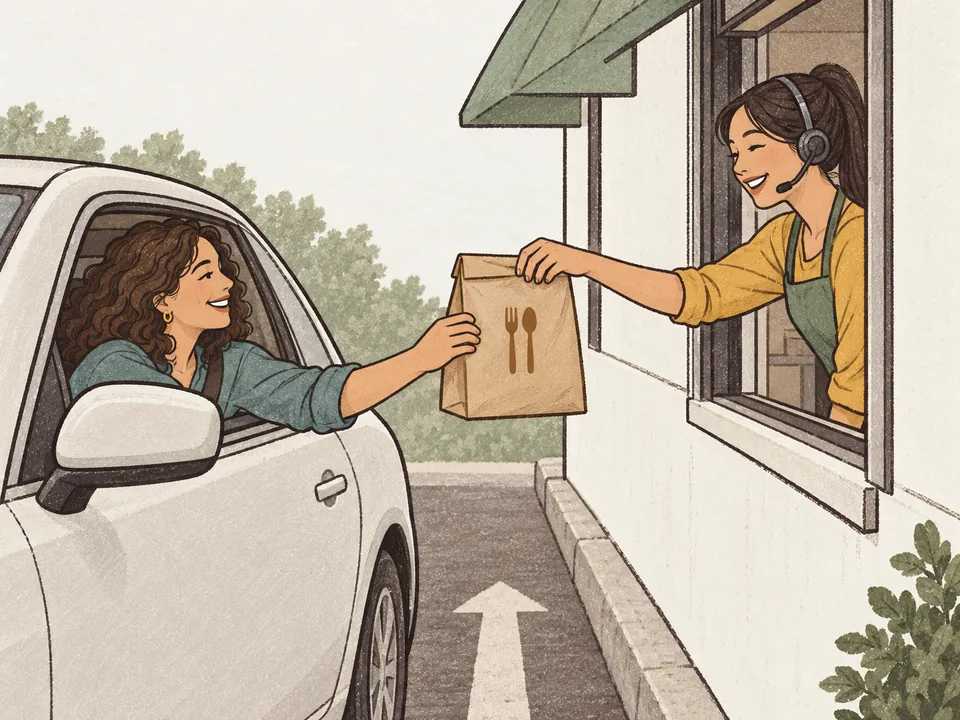
QR ordering and payment Guests scan, order, pay and follow progress on their phones.
What guests can do ✓ Scan the table code, order and pay✓ Follow their order from kitchen to table✓ See suggested extras; open ordering from listings or a home-screen shortcutGood to know Guests open the menu in their browser. Payment options depend on your connected provider.
Try it Guest phone
Table 7 Scan to order and pay
Scanned ✓ ✓ Scan the table code2 Order from the menu3 Pay on the phone4 Follow the orderScan the table code, add the pasta to see a suggested extra, then try the payment and order progress.