01 / 07
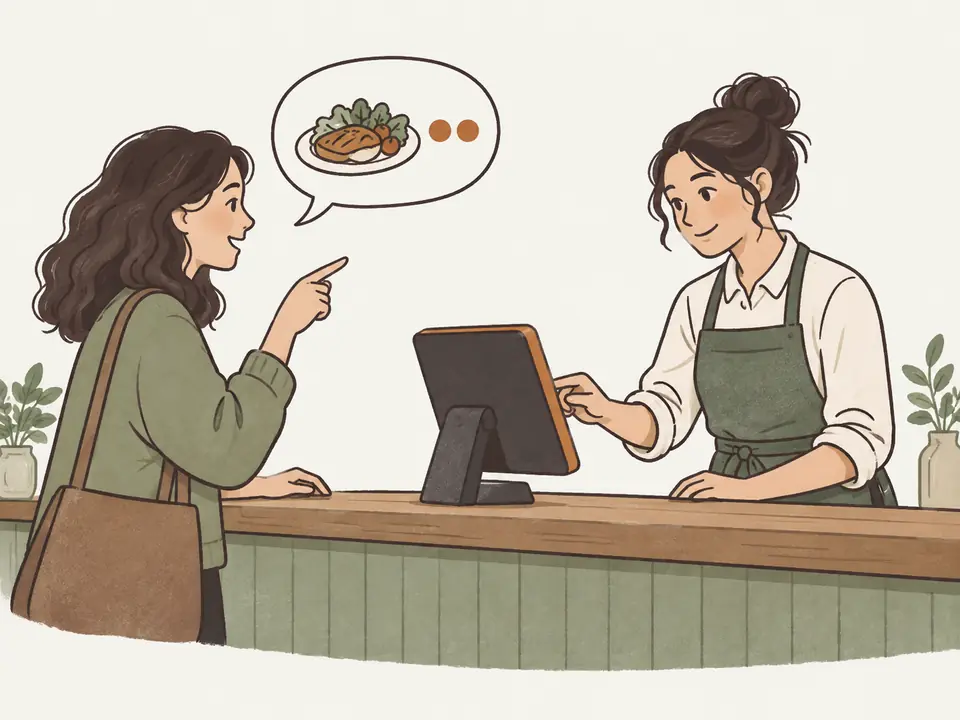
Counter and handheld ordering
Enter, hold or cancel counter and handheld orders. Show customers items and totals; set currency by location.
Staff orders, table ordering, equal bill splitting and digital receipts.
01 / 07
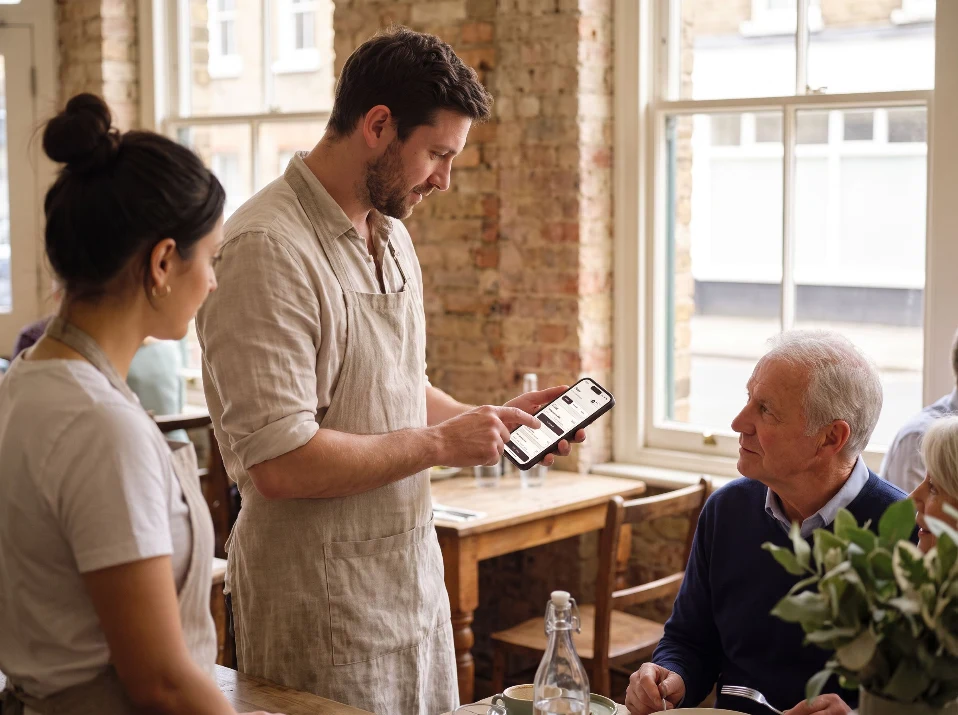
Enter, hold or cancel counter and handheld orders. Show customers items and totals; set currency by location.
02 / 07
Itemize bills, record discounts and adjustments, split totals equally and keep tabs guests can rejoin. Issue numbered or digital receipts.
03 / 07
Guests scan, order, pay and follow progress on their phones.
04 / 07
Show guests pickup numbers and order progress alongside your promotions.
05 / 07
Let guests place their own orders at a supported self-service station.
06 / 07
Take event orders in advance and plan their preparation and fulfillment.
07 / 07
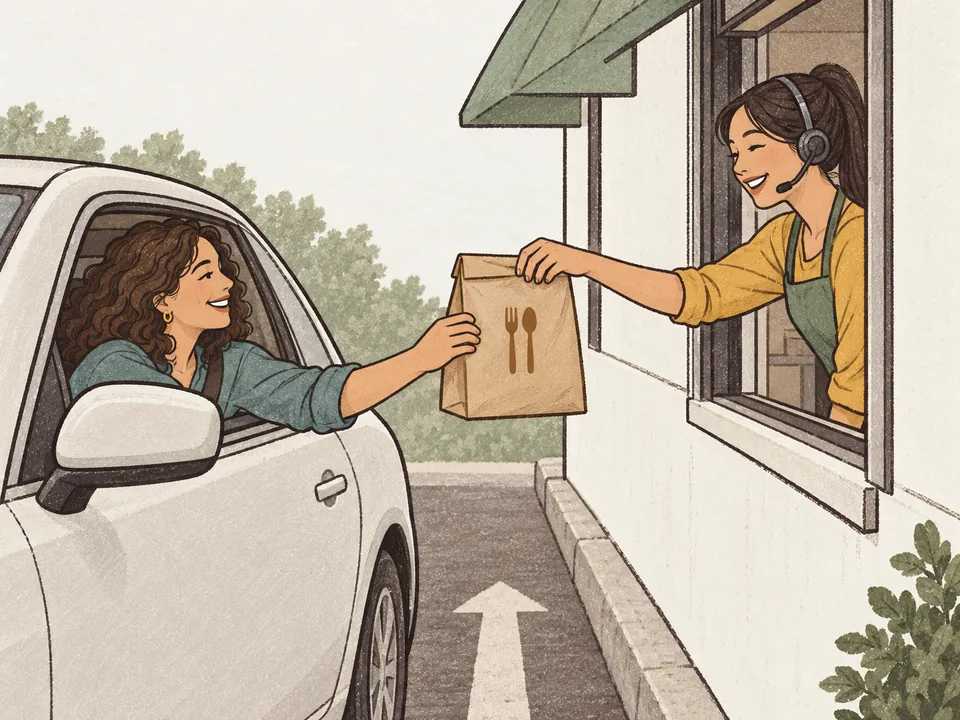
Capture drive-through orders and track them through service.
Yes, switch features on or off by location.
Tell us your systems and workflow for a compatibility check.
Customize your software with the developer pack, an AI coding tool, your developer or RestaKit. Development services and external tools are priced separately.
Allow PostHog to measure page visits and clicks? We do not record sessions or form entries. You can change your choice in Analytics settings.